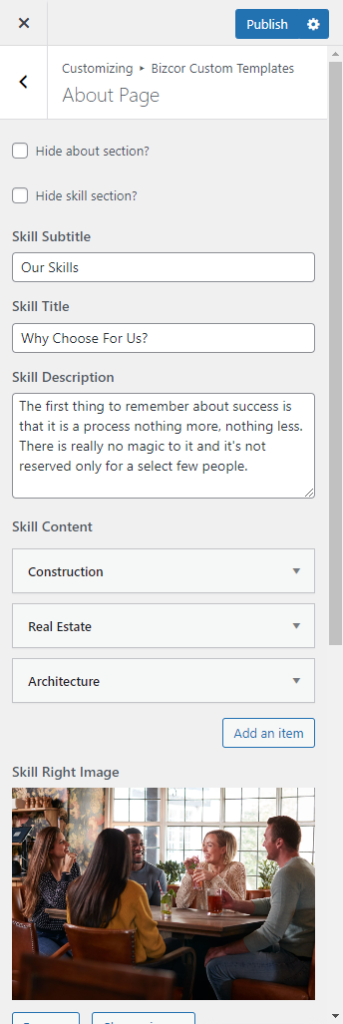
Navigate to Appearance > Customize > Bizcor Custom Templates > About Page.
Hide about section – Hide/Show about section
Hide skill section – Hide/Show skill section
Hide funfect section – Hide/Show funfect section
Hide timeline section – Hide/Show timeline section
Subtitle – Enter a sub title text for about us template.
Title – Enter a title text for about us template.
Description – Enter a description text for about us template.
Skill Content – Enter a content text for about us template.
Skill Right Image – Select a about image for Skill Right Image template.
Timeline Subtitle – Enter a sub title text for timeline us template
Timeline title – Enter a Timeline Title text for timeline us template
Timeline Description – Enter a Timeline Description text for timeline us template
Timeline Content – Enter a content text for Timeline template.